
YouTube banner safe zones
Upload a channel banner and see what is left of it on a TV, computer, tablet and phone. No account, and the file is never uploaded.
Your banner in YouTube zones
Switch the device. The darkened part disappears on it, and the gold frame is the safe area for text and logos.
No account. The file stays on your device, nothing is sent to a server.
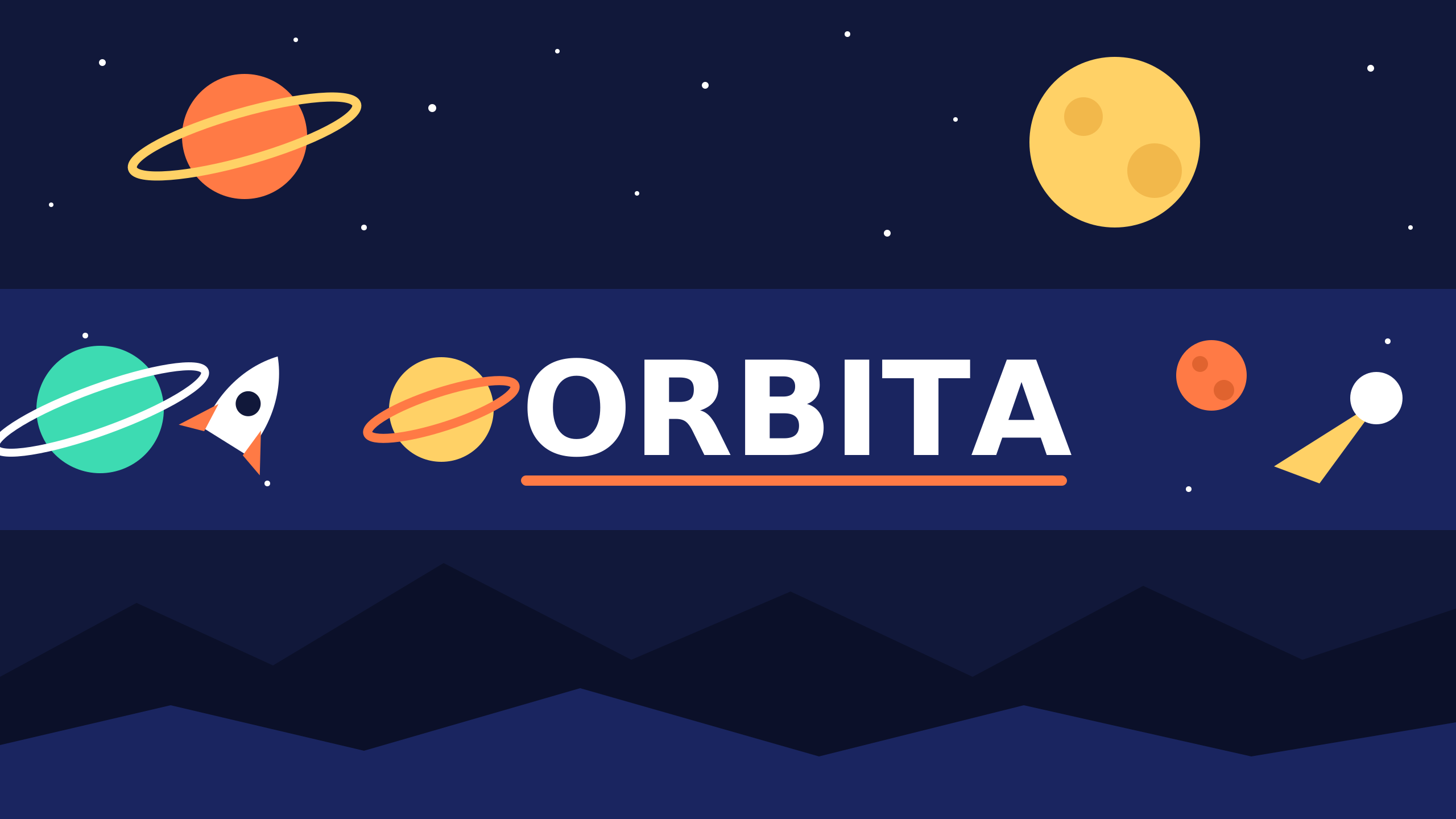
Computer: 2560 x 423 px
A strip across the full width of the image. In a narrower window the sides disappear until only the middle is left, as on a phone.
Safe area: 1544 x 423 px
Keep text and logos here.
What is left on each device
The same file cropped to each zone, from the whole image down to the tightest crop.
The zones come from a banner template published by YouTube. Current YouTube Help gives the file dimensions and the safe area, and for the rest only says that the crop depends on the device, so the view on a given screen may differ. This tool is not affiliated with YouTube.
What can be measured
Upload a file to see its details in these fields.
- Dimensions
- YouTube recommends 2560 x 1440 px, especially for TV. The upload minimum is 2048 x 1152 px.
- Aspect ratio
- YouTube gives its minimum dimensions for a 16:9 ratio.
- File size
- YouTube limit: 6 MB.
- Format
- YouTube documentation names JPG and PNG for banners.
Where these numbers come from
Five rules for a banner that works everywhere
Text and logos only in the safe area
On a 2048 x 1152 px image that is 1235 x 338 px in the middle. Anything outside it can disappear on some devices.
The rest of the image is background
A TV shows the whole file, so the top and bottom have to look good, but they cannot carry content. Let them continue the background.
Design at 2560 x 1440 px from the start
That is the size YouTube recommends, especially for TV. A file below 2048 x 1152 px does not meet the minimum.
No frames or shadows around the image
YouTube asks that the file has no added shadows, borders or frames. The image will be cropped anyway.
Stay within 6 MB
That is the YouTube limit for a banner file. If a PNG is too heavy, save it as a high quality JPG.
YouTube banner questions
Need a design, not just a tool?
Tell us what your channel needs and get a quote from the calculator or a free online consultation.